Forms, Deployments & Policy
The server is where you decide what every phone carries and how it behaves. You set it once and it applies to the whole crew.
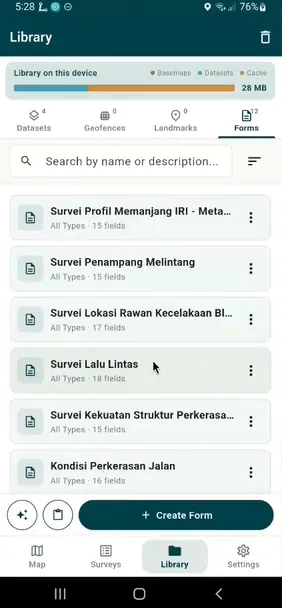
Forms and layers
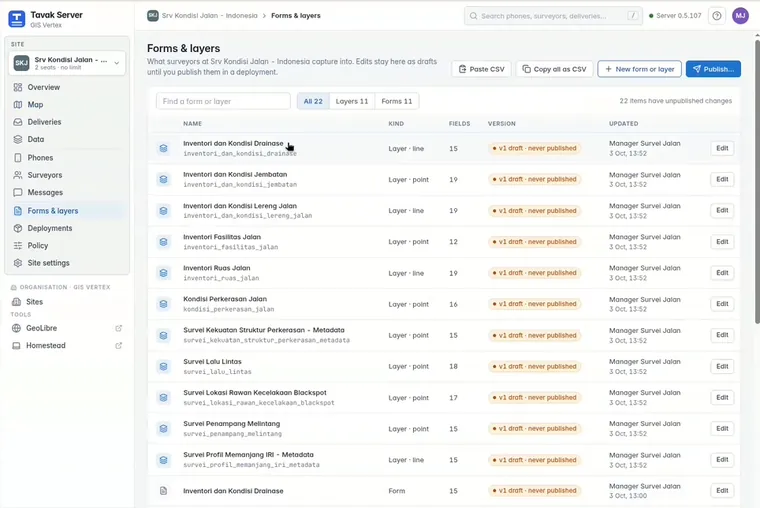
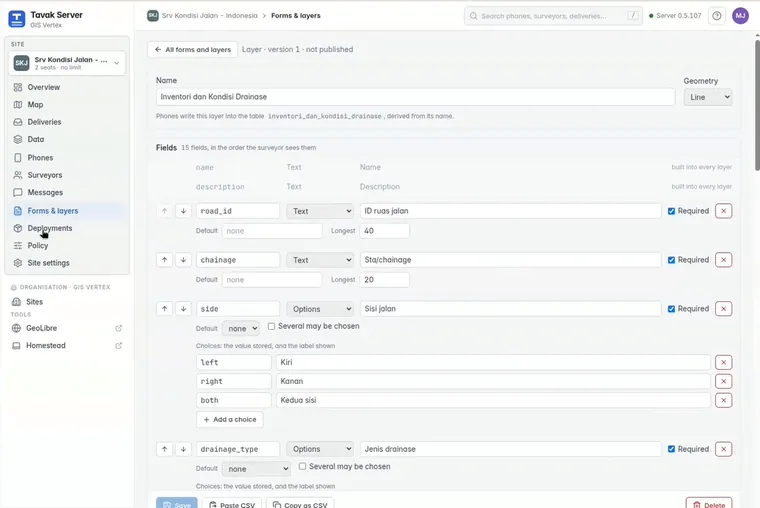
Write them on the Forms & layers page, paste them in from a spreadsheet, or copy them out as CSV. If a change would break later deliveries, the server refuses it when you save, so you find out at the desk and not in the field.
Deployments
A deployment is one package for the phones. Forms and layers, basemaps, reference layers, geofences, landmarks and destinations all travel together.
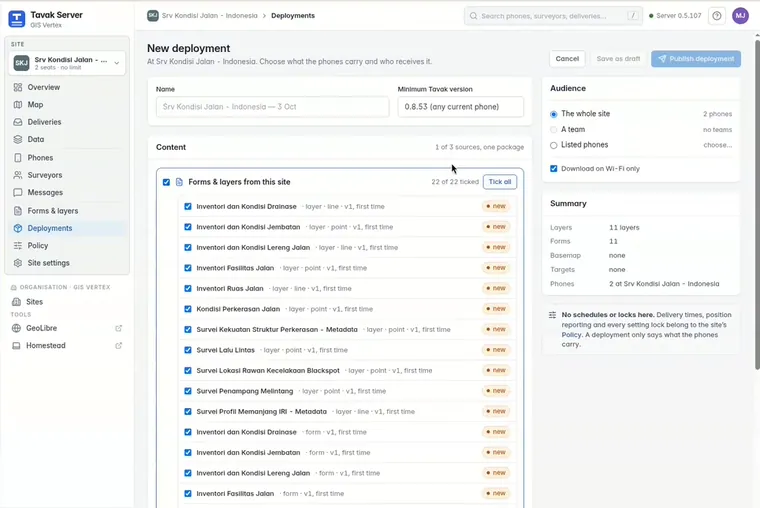
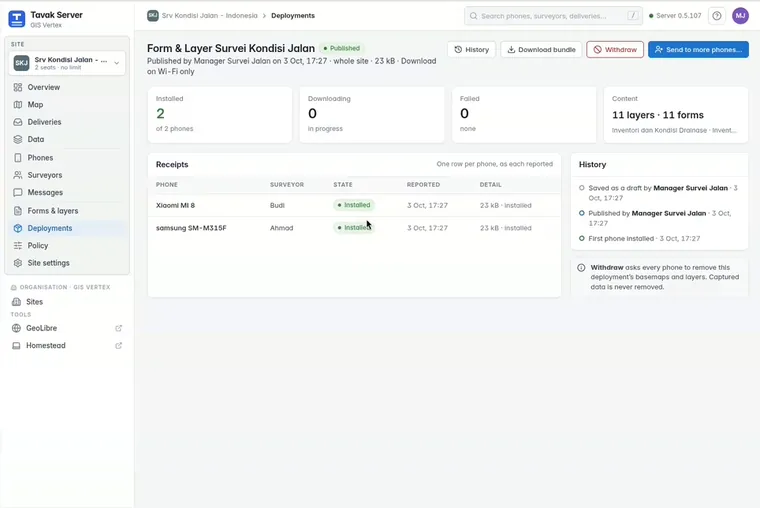
- Pick the audience. Publish to the whole site, to a team, or to chosen phones. You can see each phone’s receipt.
- Lock the forms. If the deployment locks them, surveyors cannot change your organisation’s layers.
Policy
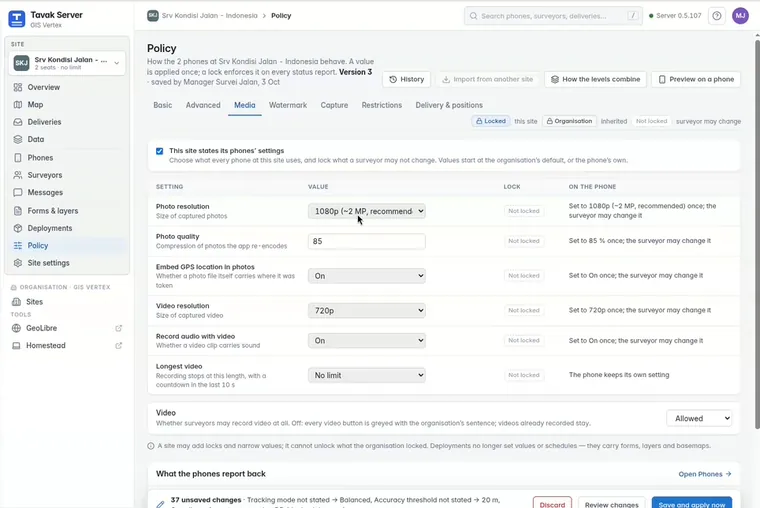
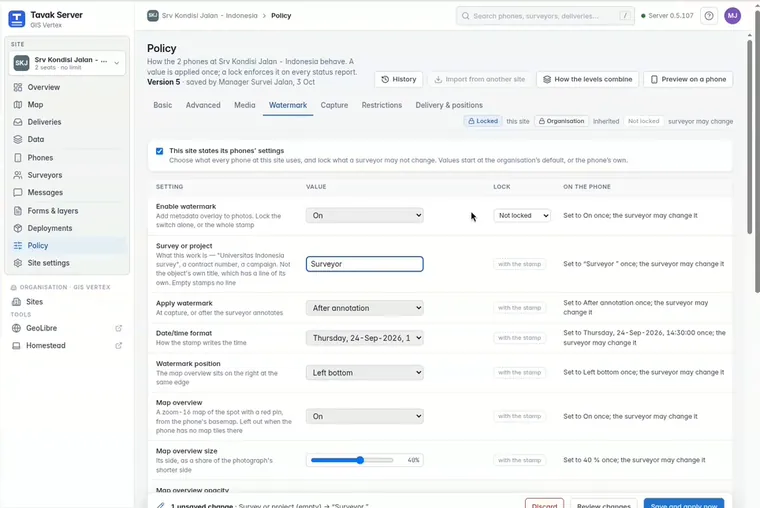
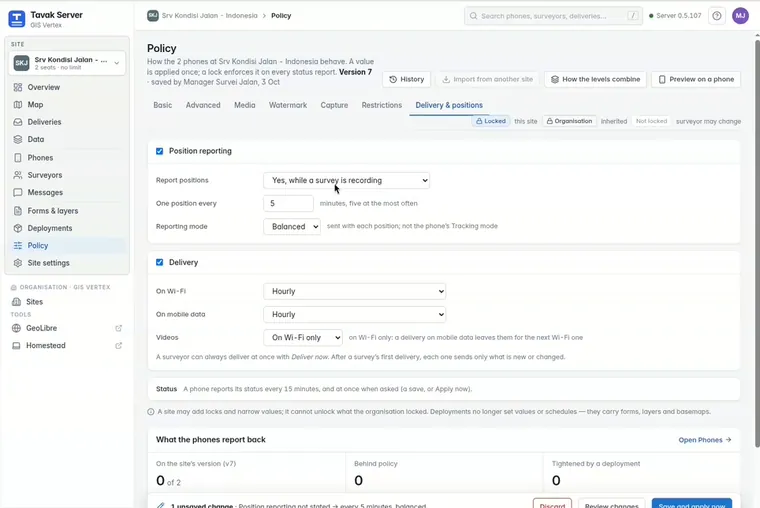
These settings each take a value, and each can be locked: the accuracy floor, GPS averaging, the coordinate format, units, the export coordinate system, photo quality, and the watermark.
- Without a lock, it is a starting point. The phone applies the value once and the surveyor can change it afterwards.
- With a lock, it stays. A locked control stays on screen, greyed out, with a padlock and a sentence naming your organisation.
- Defaults only get tighter. The organisation sets a default. A site can add locks but can never undo one.
What you can lock
| Restriction | What it does |
|---|---|
| Watermark | Locks the on and off switch alone, or the whole stamp. |
| Delivered work | Makes a survey read-only on the phone once it has been delivered. |
| Export and share | Allowed, allowed for stamped photos only, or not at all. |
| Pausing | Stops the surveyor pausing the track during a survey. |
| Deployed items | They stay on the phone until your organisation removes them. |
| GPS averaging | Makes averaging compulsory for every point. |
| Video | Allowed or not, and the longest length it may have. |
| Trash period | How long deleted items are kept. |
Every restriction ends when the phone leaves the organisation.