Deliveries, Sync & Messages
This page covers how a survey gets from the phone to the server, what happens when somebody edits it on either side, and how you write to the people in the field.
Deliveries
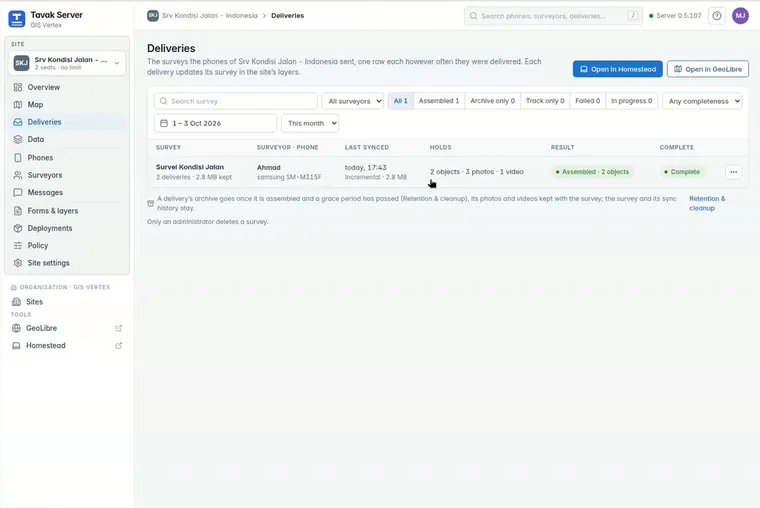
- Automatic. By default phones send their surveys every hour on Wi-Fi and once a day on mobile data. An interrupted upload picks up where it stopped.
- Only what changed. The first delivery carries the whole survey. Later ones carry what is new, changed or deleted.
- Checked on arrival. Each delivery lists what the phone holds. A survey marked as delivered has every object, photo, video and track point on the server.
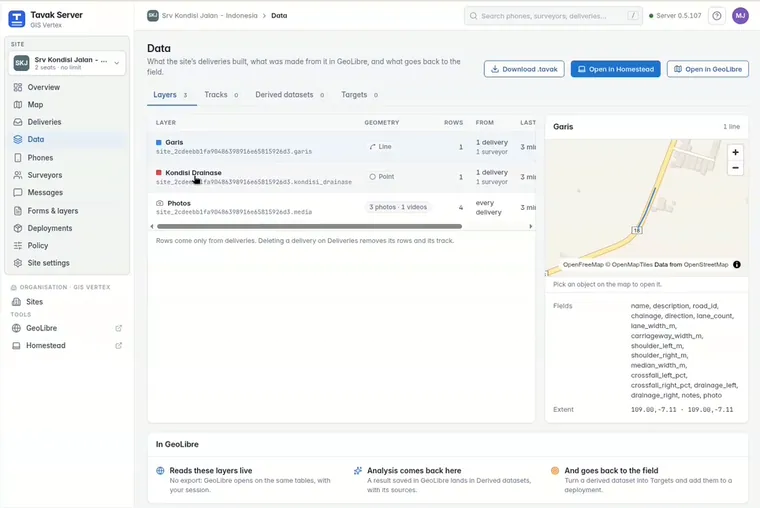
- Ready for GIS. Deliveries are put together into the site’s PostGIS tables, with spatial indexes. Each survey is one record with its full history. You can read that history on the Deliveries page.
Edits in both directions
| Rule | What it means |
|---|---|
| Permanent IDs | Every object gets a permanent ID on the phone the moment it is made. Moving a survey to a new phone does not create duplicates. |
| Corrections at the desk | Managers can correct attributes and geometry, or delete an object, on the Data page. Desk editing is off until your organisation turns it on. |
| The latest edit wins | If the phone and the desk both change an object, the later edit is kept. If the two times are equal, the surveyor’s edit is kept. |
| Back to the phone | A desk edit goes to the phone that holds the survey. The history is kept for the site’s retention period. |
Messages
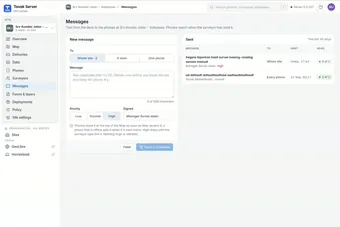
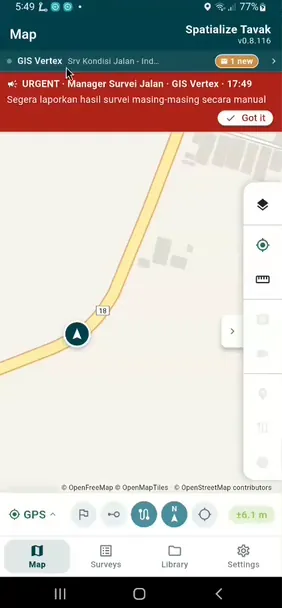
You can send a message to a whole site, to a team or to a single phone. It appears on the phone’s map. Phones confirm each message, so the server can list who has read it and who has not.
The Surveyors page keeps one record per person: name, staff number and team. People who have left are marked as such.