A survey holds everything you collect on one outing: the GPS track, the photos and videos, and the objects in each layer. Only one survey is open at a time. It records until you stop it, and you can pick it up again later.
Creating a survey
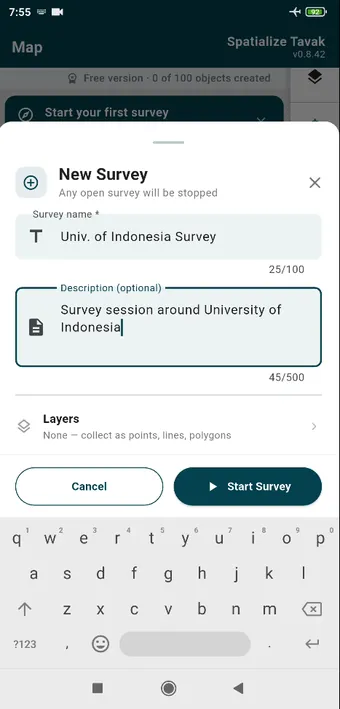
New Survey from the Map card or the Surveys tab. Any survey already open is stopped first.
While it records
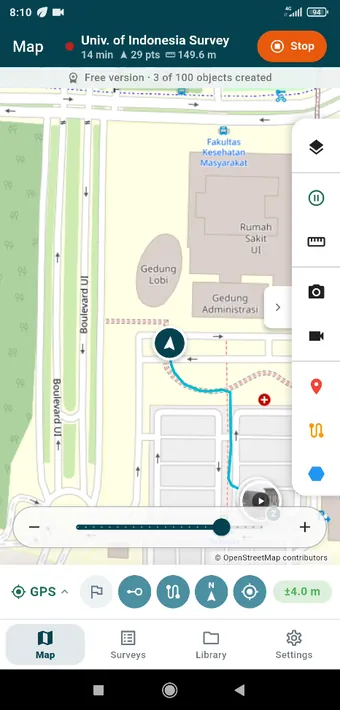
The open survey sits in the title bar: its name, how long it has been running, the number of track points, the distance walked, and Stop beside them. The track is drawn as you go, and the photo and video already taken sit on the map where they were captured.
Recording carries on with the screen off, or with another app in front, and keeps a notification on show while it does. Stop ends the session, and the survey keeps everything in it.
The Surveys tab
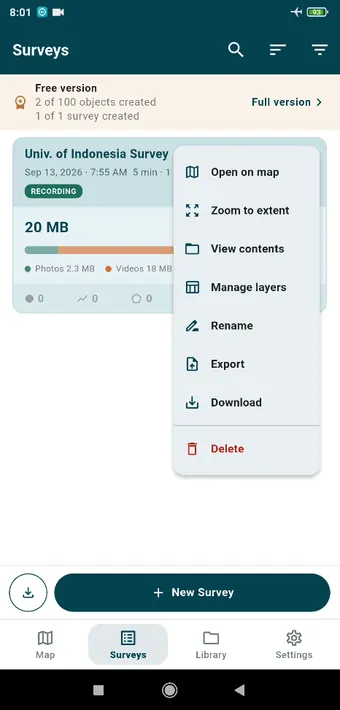
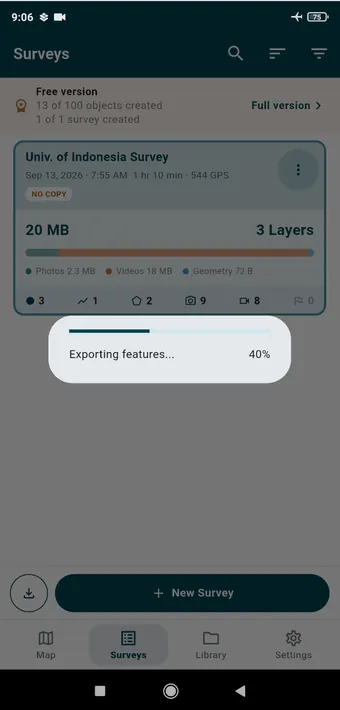
Every survey is a card, with the date, the start time, how long it ran, its size, and what is in it. The menu offers Open on map, Zoom to extent, View contents, Manage layers, Rename, Export, Download and Delete. The strip at the top is the free-version counter.A finished survey: 1 hr 10 min, 544 GPS points, 20 MB across three layers, with the counts of photos, videos and objects. The NO COPY badge means its photos and videos exist on this phone and nowhere else until you export.
Resuming a survey
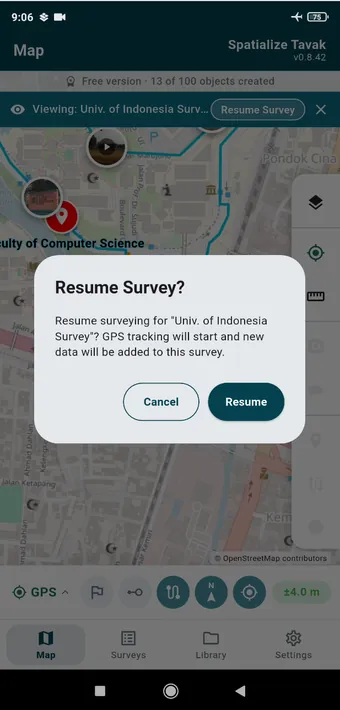
Open a finished survey on the map and you can look but not change anything. Resume Survey starts the GPS again and adds whatever comes next to the same survey.
Deleting and the trash
A deleted survey goes to the trash, where you can restore it for 30 days. Deleting it takes its photos, videos and objects with it, so export first if you want a copy off the phone. See Data Management.